Workflow Phases
Phases are optional, customizable labels that provide detail beyond Velosity system statuses. They can be used on Sales Quotes and Production Orders, but their behavior is different for each entity.
Sales Quote phases
Sales Quote status is the Velosity-defined lifecycle: Draft, Offered, Accepted, and Released. It determines lifecycle and release behavior, including when a Sales Order exists. A Sales Quote phase is a tenant-defined label, such as CUSTOMER REVIEW, RETURN, or SCRAP, used to describe that tenant's internal workflow.
An administrator can associate a quote phase with a system status. When a user selects that phase, Velosity attempts the associated status transition. The status changes only when that transition is valid for the quote's current state. Changing a quote status does not automatically select or change its phase. The direction is therefore phase selection to status update; a phase does not replace or independently control the lifecycle.
Do not use phase names as an integration contract. A tenant may rename, add, remove, or choose not to use phases. Integrations that depend on the quote lifecycle must use its status; integrations intentionally reacting to a tenant's local labels may use its phase. See Sales Quote Lifecycle Integration.
Production Order phases
For Production Orders, phases are a customizable way to categorize and track progress beyond standard system statuses (Planned, WIP, Completed). By defining phases, you can align Velosity with internal workflows such as "Engineering Review," "Waiting for Material," or "Out for Plating."
How Phases are Assigned
A Production Order's phase can be updated automatically or manually:
1. Automatic Task-Based Updates
When Tasks are defined in a router, each task can be assigned a specific Phase. When a shop floor worker clocks into a task (moves it to WIP), the parent Production Order automatically updates its phase to match that task. This provides an instant, high-level view of where a job is in its lifecycle without needing to open the full router.
2. Manual Overrides
Authorized users can manually change the phase of a Production Order or a specific Task using a dropdown menu in the Detail view. This is useful for handling exceptions, such as moving a job into a "On Hold" phase due to a customer request.
Managing Phase Definitions
Administrators can define the master list of available phases. A phase is defined for either Sales Quotes or Production Orders, and appears only for its configured entity type. Quote and Production Order phase lists are therefore separate.
For a Sales Quote phase, the optional associated status is the status transition Velosity attempts when users select the phase. Associate only a transition that is valid where users will apply the phase; the phase can still be saved even when its associated status transition is not valid for that quote.
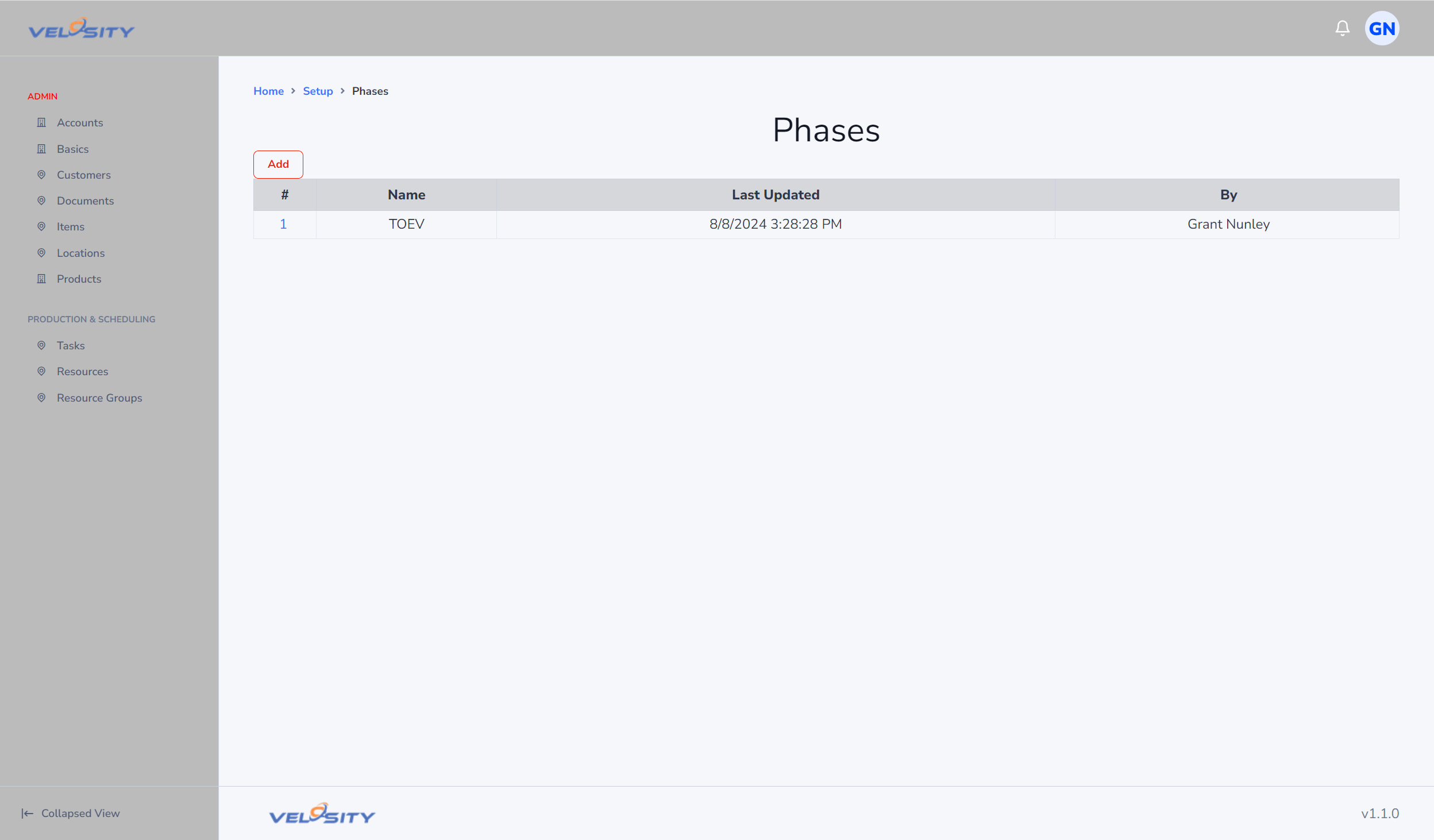
Phase List
The List view shows all active phases and their display order.
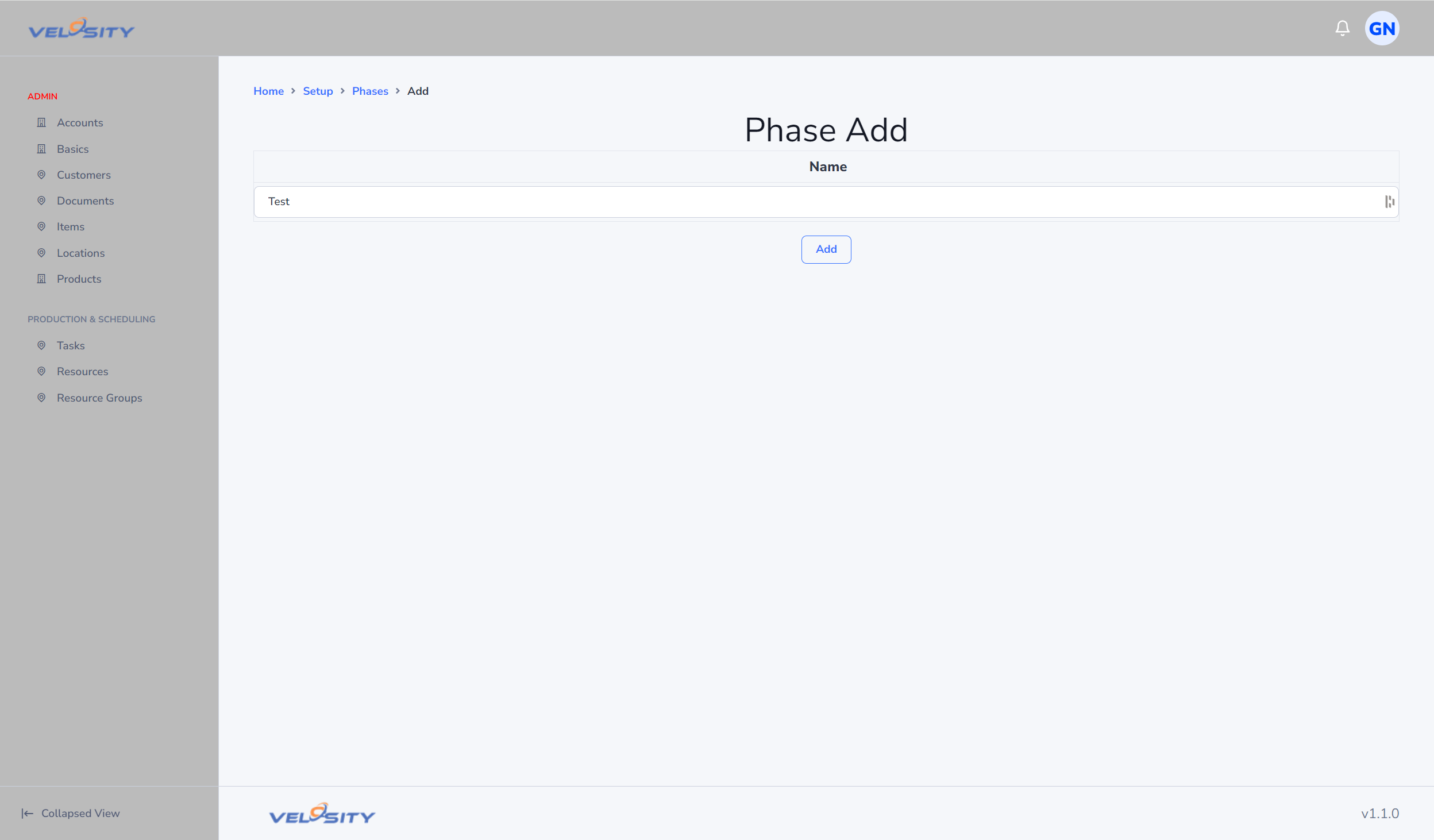
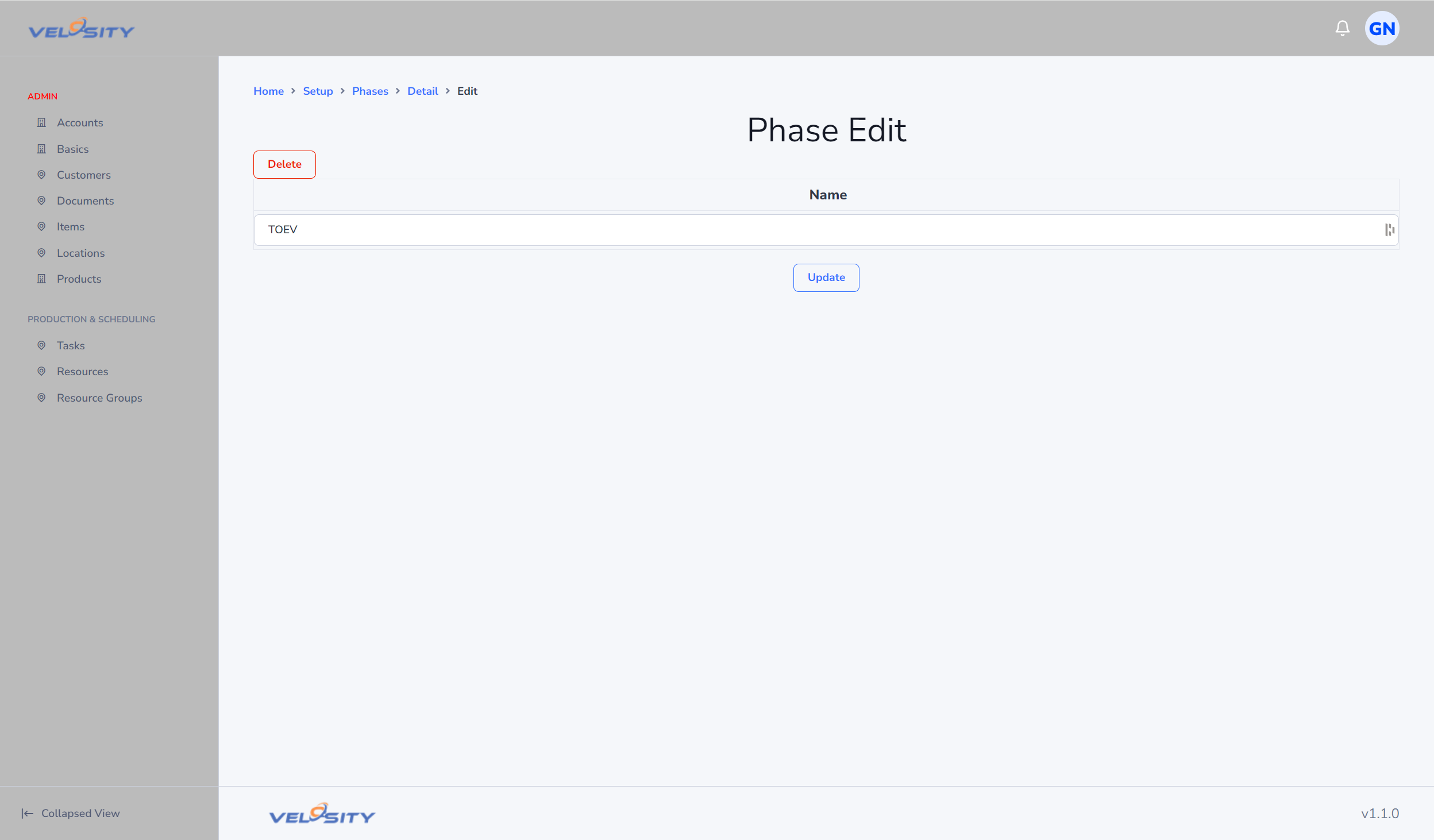
Adding and Editing Phases
When creating a phase, you can define:
- Name: A clear and concise name for the phase.
- Description: Optional details about what happens during this phase or criteria for entry/exit.
- Sequence: Determines the order in which phases appear in dropdowns and dashboards.
- Delay Days: Influences escalation and SLA tracking for orders in this phase.
Strategic Use of Phases
- Bottleneck Identification: Use the "Production by Phase" view to see if work is piling up at a specific stage of your process.
- Improved Communication: Sales teams can check the phase of a Production Order to give customers more detailed updates than a simple "In Progress" status.
- Reporting: Group historical production data by phase to identify which stages of your manufacturing process are most prone to delays.